
How to Search Waterbury Warrants
Start with the Connecticut VOP and FTA warrant page. It is free and open to anyone. It is also partial. The Judicial Branch says failure-to-appear warrants will not display until further notice, so a clean result proves nothing about a missed court date. Heed its warning as well: never act against a person just because a name appears. Keep searches narrow and dated. Waterbury GA4 serves eight municipalities, so filtering by the Waterbury court reaches well beyond city residents, and any result still deserves a call to the clerk.
- Enter a last name, town, and court location in the limited public form.
- Add first name, birth year, and year range only as needed to narrow a match.
- Use the pending docket tool to identify a case and court, not to prove warrant status.
- Call Waterbury GA4 at 203-236-8100 for case-specific court routing.
- Ask counsel or the responsible agency to confirm live status before surrender or payment.
Waterbury Town and Court Filters
Town and Court Location are two different filters on the Waterbury search form. Town describes the place tied to the public record. Court Location names the judicial unit. The Waterbury menu offers Community Court, GA4, Housing, and Judicial District, and each handles different work. Criminal and motor-vehicle questions normally route through Waterbury GA4 at 400 Grand Street. GA4 also covers Middlebury, Naugatuck, Prospect, Southbury, Watertown, Wolcott, and Woodbury. A Prospect resident can still have a Waterbury case. Search any papers you already hold before guessing. If the right court choice stays murky, the clerk can settle it.
Key point: A blank Waterbury-town search does not exclude a record filed under another town or court-location choice.
Waterbury Warrant Search Fields
The public Waterbury warrant form needs enough detail to pin down a location and a name. Optional fields cut common-name collisions. They will not surface categories excluded from publication. Never post a birth year or other personal identifier in a public message while seeking help.
| Field label | Type | Required | Notes |
|---|---|---|---|
| Last Name | Text | Yes | At least two letters; maximum 30 |
| Town | List | Yes | Select the relevant town |
| Court Location | List | Yes | Waterbury has several choices |
| First Name | Text | No | Helps narrow a match |
| Birth Year | Number | No | Use with care |
| Year Range | Number | No | Plus or minus one digit |
Write down the Waterbury filters you used and the interface's as-of timestamp, since a later check may reflect a changed public snapshot.
FTA Results Are Suppressed
The biggest current limit on a Waterbury warrant search comes from the Judicial Branch itself. Failure-to-appear warrants are not displayed until further notice. So a blank Waterbury FTA row proves nothing. If a missed court date worries you, contact the clerk shown on the case. Call Waterbury GA4 when it is the assigned court. Counsel can check too. The pending case search may help you find the docket, but it only orients you. It does not replace live confirmation from the issuing authority. VOP, OTI, and rearrest labels each carry their own meaning. Public eligibility rules and safety exclusions can keep some Waterbury entries off the screen even when every search field is right.
What Waterbury Search Returns Show
A Waterbury result may show a category, court location, town, case reference, or as-of label, though the exact mix can change. PRAWN holds the fuller authorized record, and public screens reveal only a lawful subset. Read every label as "if displayed."
| Reference | A docket or other identifier, not a format inferred from a sample such as CASE REFERENCE. |
|---|---|
| Warrant category | VOP, OTI, FTA, rearrest, or another published label. |
| Court location | The court unit associated with the public entry. |
| Responsible agency | May exist in restricted systems even when not public. |
| Status or date | A snapshot that still needs current confirmation. |
| Bond | Case-specific if shown; no Waterbury flat schedule was found. |
Waterbury Docket Search Is Different
The pending criminal and motor-vehicle search works from a last name, an optional first initial, an optional birth year and range, a court location, and a category. It can point you to a docket. It cannot certify an active warrant. The Judicial Branch says its online data are not the official court record. Use the docket tool after the partial Waterbury warrant search. Use it when known papers mention a pending case. Match the court location and docket details, then call the clerk. Pending does not mean a warrant. The reverse is just as unsafe, because a missing Waterbury row does not prove all process has cleared. Note: Save the page timestamp with your notes, since an online Waterbury court display can lag later court action.
Where Waterbury Warrants Are Checked
Waterbury has no county sheriff warrant search. Connecticut's one unified Superior Court issues all criminal process. The Waterbury Police Department executes criminal warrants and keeps local agency records, Waterbury GA4 routes local criminal and motor-vehicle court matters, and State Marshals handle the civil capias work specified for them.
For live case status, call the court. A Waterbury police record request suits eligible agency records, and any immediate threat goes to 911.
Waterbury Public Safety FOI
Waterbury GovQA handles releasable WPD records. Its selection page offers "Public Safety - FOI Request" and "City - FOI Request." The page posts no warrant-specific fee, no universal identification rule, and no promised response time. The official request selection screen lays out those two distinct paths.
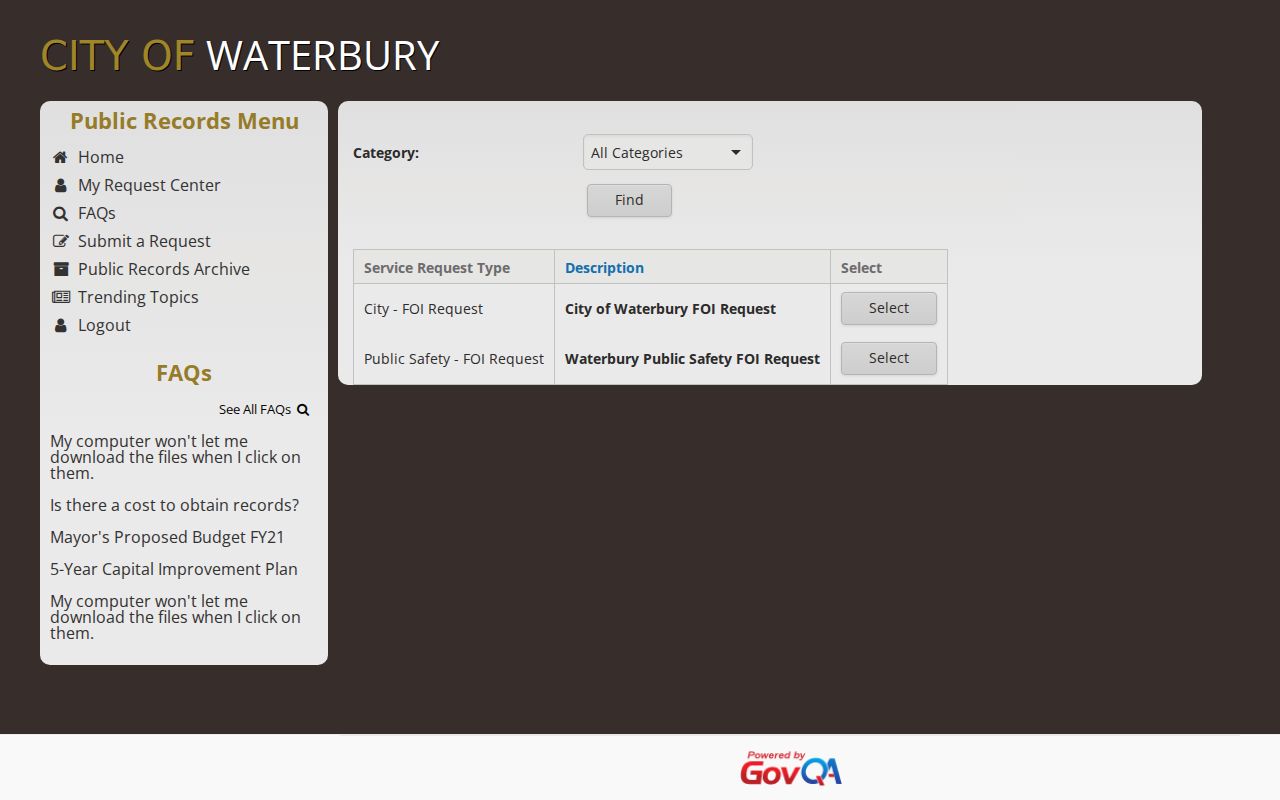
The choice matters. Police records belong under Public Safety, while another city department's records go through City FOI. A narrow Waterbury request names the department, record type, date range, and electronic format. Ask for non-exempt portions if content is withheld.
Waterbury Portal Is Not Clearance
The Waterbury records portal can document a request, show an archive, and offer account tools. That is where its power ends. It cannot recall a judicial warrant or prove a person is clear statewide. The Waterbury GovQA home screen opens the official local entry point.
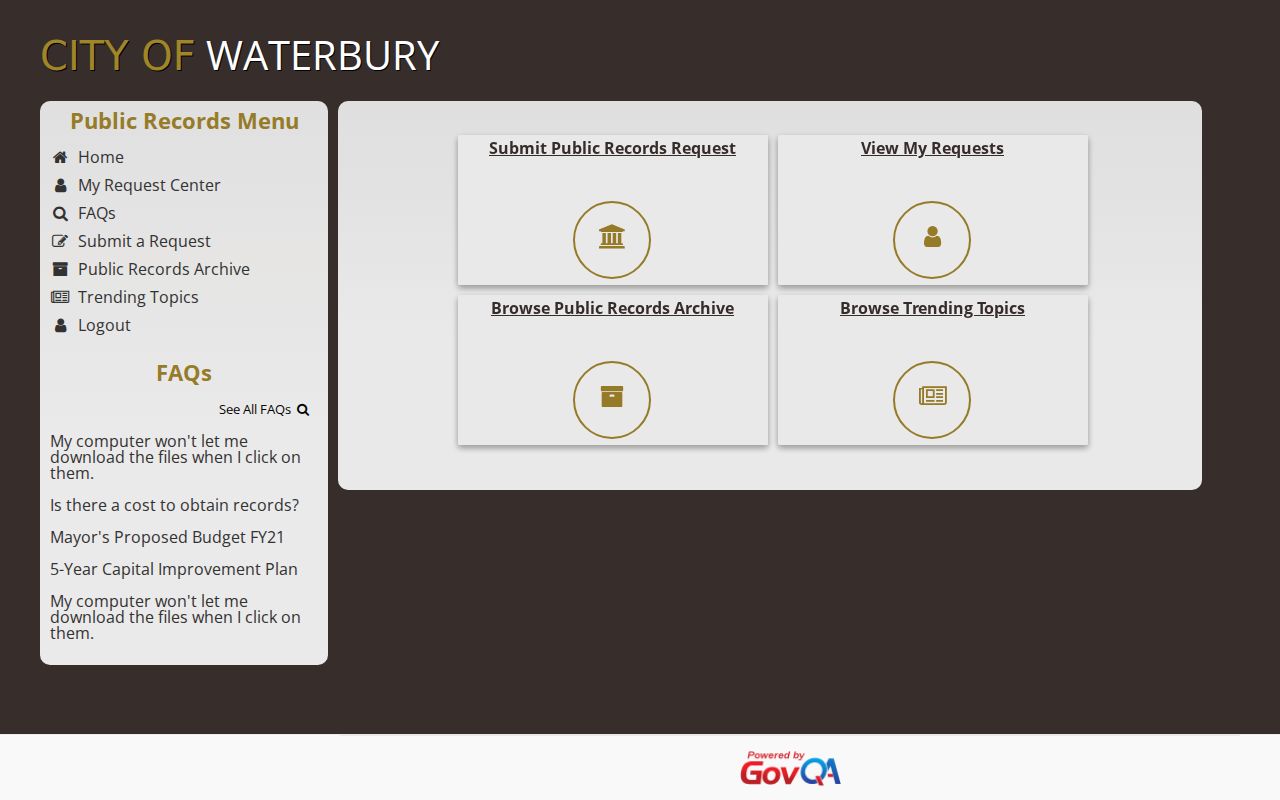
This portal is not a live warrant database. It covers records Waterbury or WPD already hold. The city's 311 service form is separate and should not be used for FOI requests. For urgent status, call the issuing court or the agency responsible for the Waterbury record; a response can be acknowledged, clarified, produced with redactions, or denied under an exemption.
PRAWN and Waterbury Access
Connecticut's detailed criminal warrant system is the Paperless Arrest Warrant Network. PRAWN serves authorized agencies only. No public search vendor gets in. No Waterbury FOI requester does either. The public VOP page is a publication subset, not a live copy of what a Waterbury agency can see inside, so a blank public result stays inconclusive for any warrant check.
- PRAWN
- Restricted warrant information for authorized justice agencies.
- VOP
- Violation of probation process that may produce a public warrant entry.
- OTI
- Order to incarcerate, a court or probation-related status label.
- FTA
- Failure to appear; public display was suspended at review.
Access and Restricted Waterbury Warrants
Public access stops where the law requires. Sealing rules and youth protections apply. Safety concerns and investigatory exemptions apply too. So sealed affidavits, juvenile matters, and victim or witness details may be missing from Waterbury warrant records, and that absence is a legal boundary, not proof that no record exists.
Key rules:
Connecticut FOI Act, Chapter 14 governs access to eligible public agency records and copies.
Judicial Branch access guidance identifies court records that are not public.
The VOP interface may omit an entry when publication could cause harm or when a youthful-offender proceeding is involved.
Never approach anyone over an online name match. Confirm it through the Waterbury issuing clerk, counsel, or the responsible agency.
Waterbury Ticket Search Boundary
A Waterbury ticket can lead to court process. The Centralized Infractions Bureau portal is not a search for all warrants, though. It wants a ticket number, check digit, and the first three letters of the printed name. Electronic tickets may take three to five business days. Handwritten ones may take five to seven. The official Connecticut ticket portal shows this narrow Waterbury lookup.
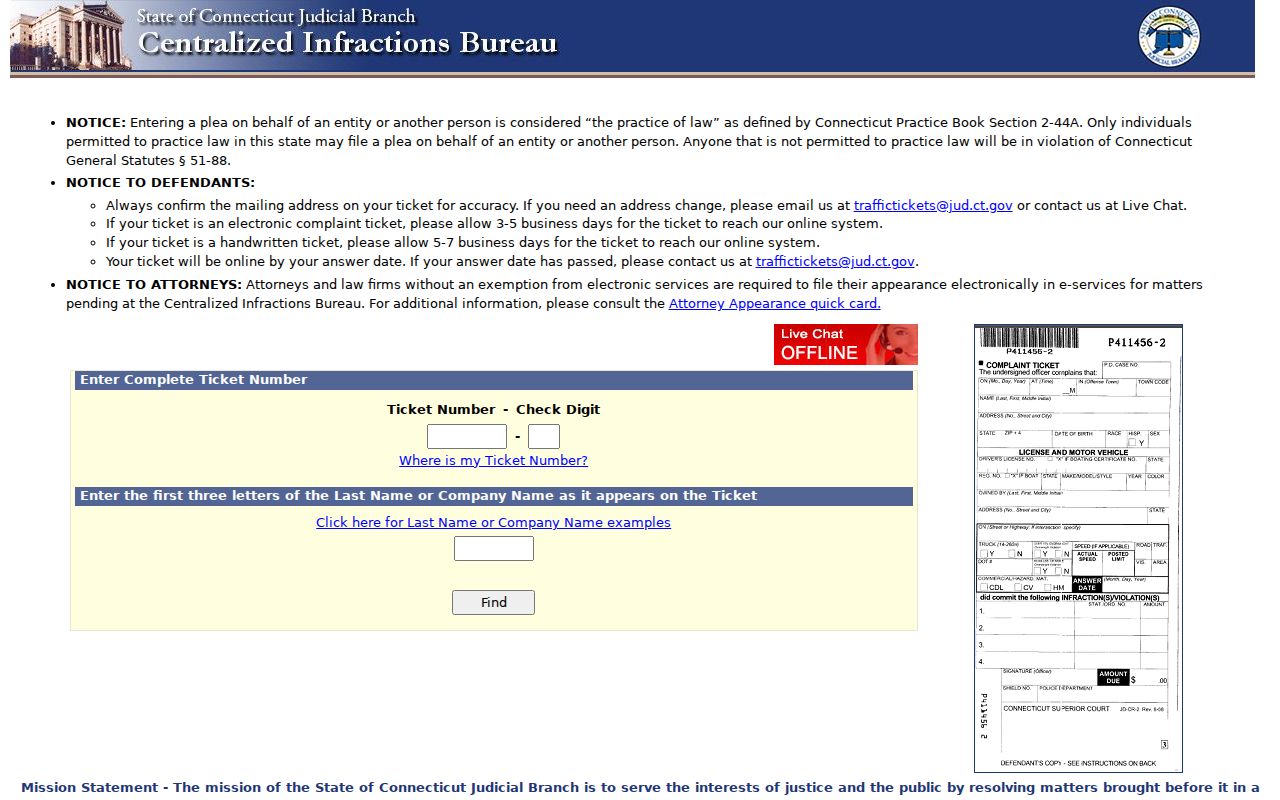
The ticket interface handles responses and pleas. It cannot clear a criminal warrant. It is no person-name warrant check either. If your answer date has passed, follow the CIB contact instructions and the court location tied to the issuing town. Waterbury lists no current reopening-fee or payment-plan schedule, so take no promises about those fees.